


Your email stays hidden
Payers never see your personal email or phone. Your privacy is protected while you still get paid securely.
How it works for Emoot Paying
Create a Pay-Link, share it, and we’ll handle everything after that.
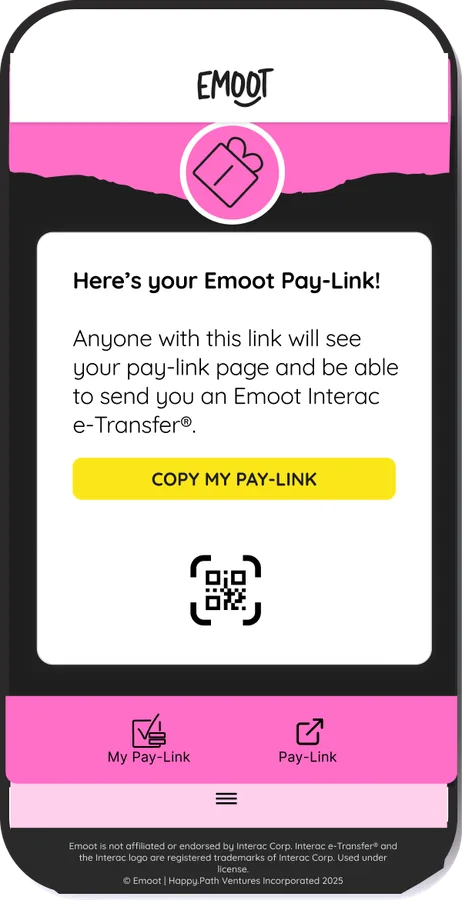
Give it a title and a short note. Make it yours. Takes under two minutes.
Text it, DM it, email it, or let them scan your QR code. Works on any device. No app download needed on their end.
They click the link, confirm the amount, and pay through Interac e-Transfer® in their own banking app. Your personal email stays hidden the whole time.
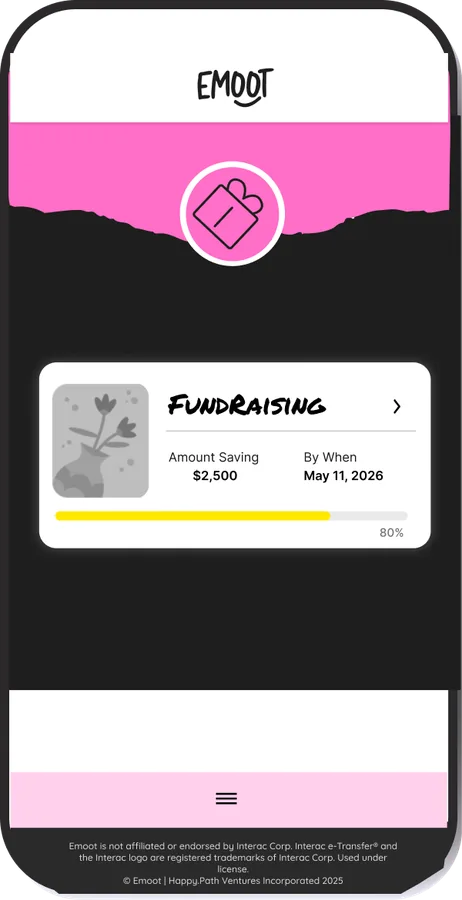
The moment they pay via Interac e-Transfer®, you get notified. No follow-up texts. No "did you send it?" No awkward moments.
Every Interac e-Transfer® payment logged with receipts. See who paid, how much, and when. No spreadsheet needed.
It's all secured through Interac e-Transfer®. The same way you would with your Canadian bank app.
Payers never see your personal email or phone. Your privacy is protected while you still get paid securely.
See who paid, how much, and when. Every transaction logged with receipts, no spreadsheet needed.
Create an open Pay-Link to share with your clients. The payer adds the $ amount and leaves you a note with invoice # or what it’s for.
Stop chasing. Emoot sends friendly reminders on your behalf so you never have to send that awkward follow-up text.
Your Pay-Link comes with a QR code, perfect for markets, events, studios, or anywhere you meet people.
Every payment flows through Interac e-Transfer®, the same system Canadians have used and trusted for decades.
Emoot provides a simple and quick alternative to cash, cheques and mobile banking Interac e-Transfers. For your personal use, you can use Emoot Paying and your unique, shareable Pay-Link to split bills, share expenses, organize group gifting, and collect other group or individual payments.
Small business owners benefit from Emoot Pay-Link by using it to receive payments from customers through Interac e-Transfer. Emoot Pay-Link is safer and easier to track than cash, without the platform costs and transaction fees from credit card payments and POS systems.
Yes, but we make it easy by making account creation and log-in part of the payment process so your payer does not have to re-enter their information.
You will need to make additional payments of up to $3000 each.
Please refer to our Pricing page.