


Secured with Interac e-Transfer®
Powered by Interac e-Transfer, the way Canadians have been sending money safely for years.
How it works for Emoot Gifting
Add a message, a photo, video, or a voice note to any Interac e-Transfer®. Send money with feeling.
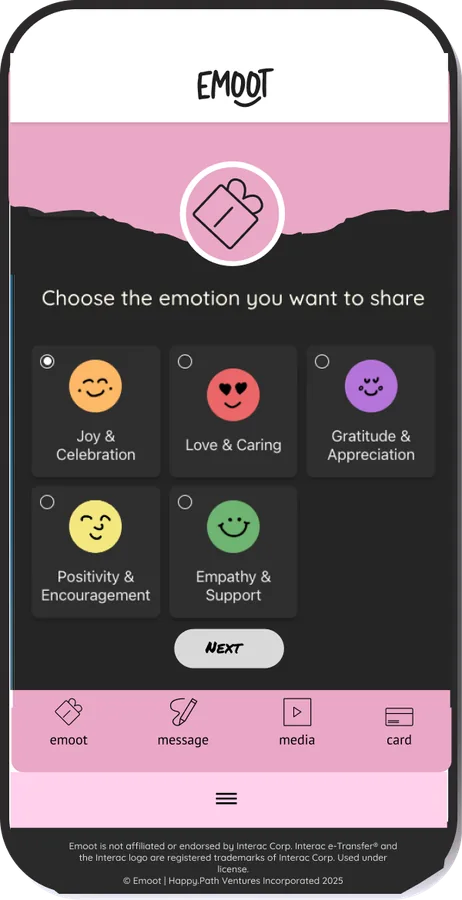
Choose the Emooticon that matches the feeling you want to share. Pick from Joy & Celebration, Love & Caring, Gratitude & Appreciation, Positivity & Encouragement, Empathy & Support.
Whatever fits the moment.

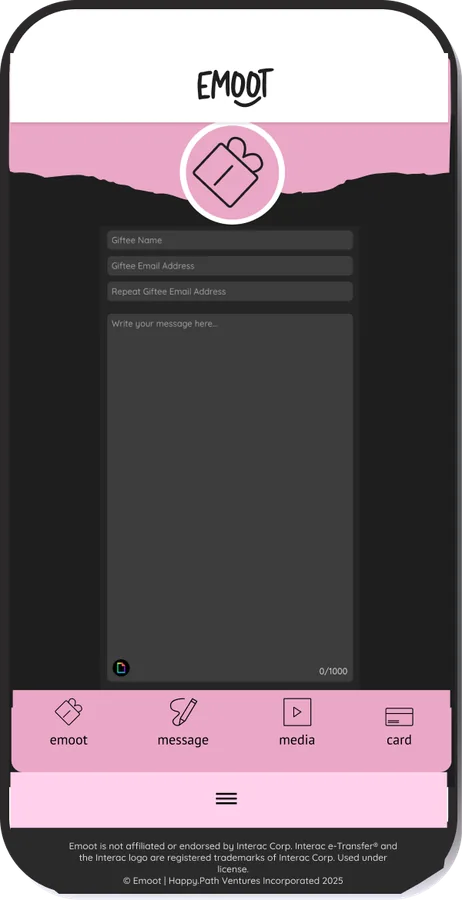
Say the thing you've been meaning to say. For wins, milestones, "I'm proud of you" energy, hard days, big moves, and "I got you" moments. Lots of space (1000 char) and you can add a GIF at the bottom.
Upload a photo, video, or voice note.
Turn it into something they can feel, not just read.
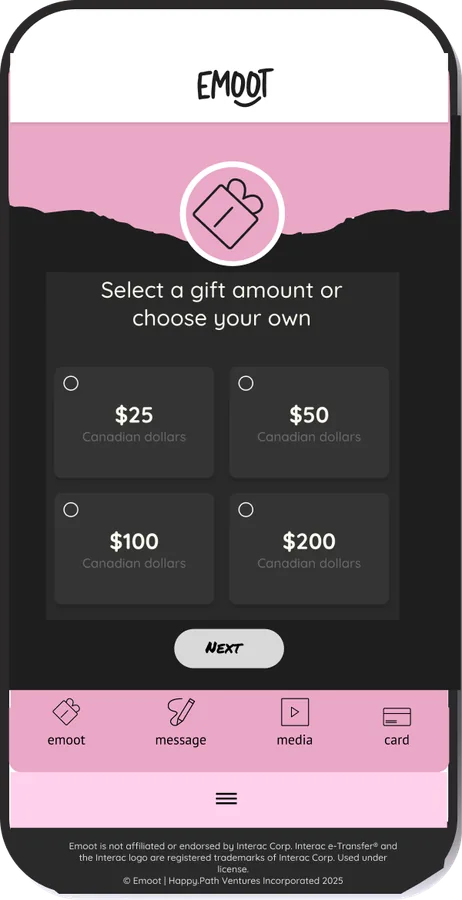
Pick the amount that feels right.
Pay via Interac Request Money or Visa Direct debit. Your Giftee will receive an email, open their Emoot, and then receive your gift through Interac e-Transfer®, deposited into their account.
You’re notified when they open it.

It's all secured through Interac e-Transfer®. The same way you would send or receive funds through your Canadian bank app.
Powered by Interac e-Transfer, the way Canadians have been sending money safely for years.
They get 30 days to open and 7 days to claim. Several reminders go out so nothing gets missed.
If they never open it after 30 days, you get your money back. No drama, no chasing anyone.
Yes. It is quick, simple and free to set up an Emoot account.
Contact hello@emoot.io with your request and we will work with you on your bulk gifting needs.
Your gift recipient will get an email notification with a unique link and Interac security answer for the emoot gift you are sending. They must create an account or log-in, to view your greeting. After opening the greeting, your recipient will receive an email from Interac for their e-Transfer amount which will guide them through Interac's secure e-Transfer acceptance process.
Gift recipients have 30 days to open their Emoot greeting and 7 days to accept their Interac e-Transfer. We send them reminders!
Log-in with your Emoot account and click on Dashboard. You can search and filter your transactions to see the status.